
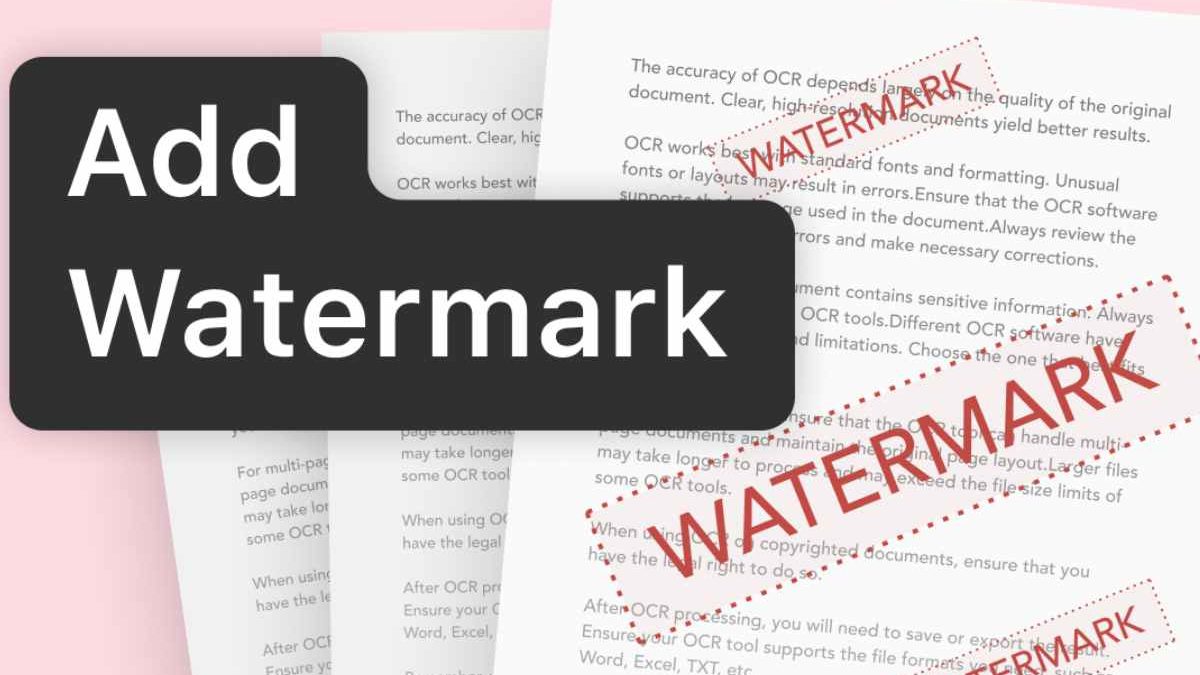
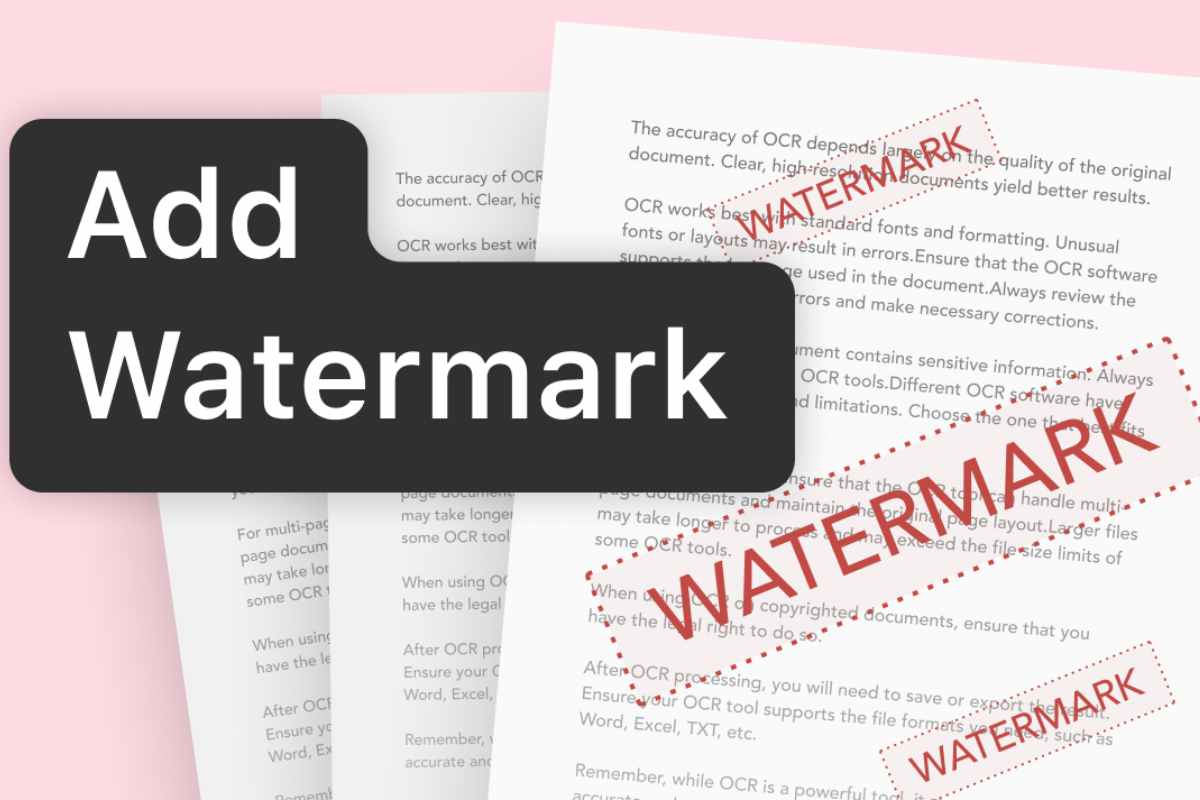
Watermarking protects the copyright of your work and helps prevent unauthorized copying or modification. If you post a file on the internet, others may try to use it without your permission. Adding a watermark can help protect your work while allowing people to review it before purchasing. Watermarking can also be an effective branding strategy.
To safeguard your precious memories and identity, you can watermark personal photos you share online. You can control how your watermark appears and use different watermarks for different file types or purposes. Watermarks can also highlight the importance or ownership of a document. Additionally, you can add a watermark to your PDF file using GogoPDF in a few simple steps.
Table of Contents
Add Watermark to PDF Tool of GogoPDF
Add a watermark to a PDF file using GogoPDF. It is simple and fast. GogoPDF is a web-based application that offers online watermarking services. The tool is easy to use and allows you to watermark your files in just a few minutes. Its user-friendly features help you complete the process quickly. GogoPDF also allows you to customize the text size, color, and font style.
This feature gives your watermark a more personalized appearance. The application supports major operating systems, including Linux, Windows, and Mac. It also works with most popular web browsers.
GogoPDF aims to preserve the quality of your original document when processing the PDF. Its simple interface makes it convenient for beginners who need an online PDF tool. If you are concerned about information leaking from your file, check the service’s privacy practices before uploading sensitive documents. GogoPDF states that uploaded files are deleted after a limited period, so review its current privacy policy for the latest details.
When working with digital documents, using the right software can make everyday tasks easier. If you are interested in how software development works, you can also read this guide on the Bixiros.5A8 software development process.
Methods for Adding Watermarks to PDF Files
Here are the simple steps for adding watermarks to PDF files using GogoPDF. First, prepare a computer or smartphone with a working internet connection. Open the GogoPDF website and select the “Add Watermark” feature from the available tools.
Upload the PDF file you want to edit. When using a computer, you can drag and drop the file onto the website or click “Select Files.” Choose the document from your folder and upload it to the tool.
If you do not have a computer, you can complete the process using an Android phone or tablet. Tap the file selection button and choose “Select Files.” Find the document in your device’s storage and upload it to the website.
Once the upload is complete, you can begin adding a watermark to your PDF. Enter the text or message you want to display, then review the available options to choose where the watermark should appear. You may be able to position it in the center, at the top or bottom, or along the side of the page.
Save your changes after selecting the preferred text or image placement. Click the “Add Watermark” option and wait for the process to finish. A stable internet connection may help the upload and processing steps run more smoothly. Once the watermarking process is complete, download the revised PDF file and check the result.
If you regularly work with multiple documents, combining them can also make file management easier. For example, you can learn how to combine files easily with an online PDF merger tool. This can be useful when organizing reports, business documents, or other PDF files before sharing them.
More Helpful Tools from GogoPDF
Converting Various File Formats to PDF
Use GogoPDF’s Word-to-PDF conversion tool if you need to convert a Word document into a PDF file. This tool provides a straightforward way to change your document format. You can also use online conversion tools to convert common file formats, such as Excel spreadsheets, PowerPoint presentations, and JPG images, into PDFs. Depending on the available features, you may also be able to convert PDF files into other formats.
Repairing Corrupted PDF Files
Digital files can sometimes become damaged because of incomplete downloads, storage problems, or software errors. When a PDF becomes corrupted, you may have difficulty opening or reading its contents. Depending on the type of damage, you may be able to recover the document using a PDF repair tool. GogoPDF offers PDF-related tools that may help with document management, so check the available features to see whether they meet your needs.
Software applications also need to manage data correctly, especially when they handle multiple tasks and user interactions. To explore this topic further, read about advanced state management in full-stack applications.
Takeaway
Many people prefer online PDF tools because they are convenient and easy to use. GogoPDF provides a simple way to add watermarks to PDF files without installing a separate application. Before uploading a document, review the tool’s privacy policy, particularly if the file contains confidential information.
Do not wait until your work is used without permission. Take practical steps to protect your documents and communicate ownership clearly. Use GogoPDF’s Add Watermark to PDF feature to add a watermark to your PDFs and make your documents easier to identify.
Note: Always review the final PDF to confirm that the watermark is positioned correctly and that the document remains readable.
